


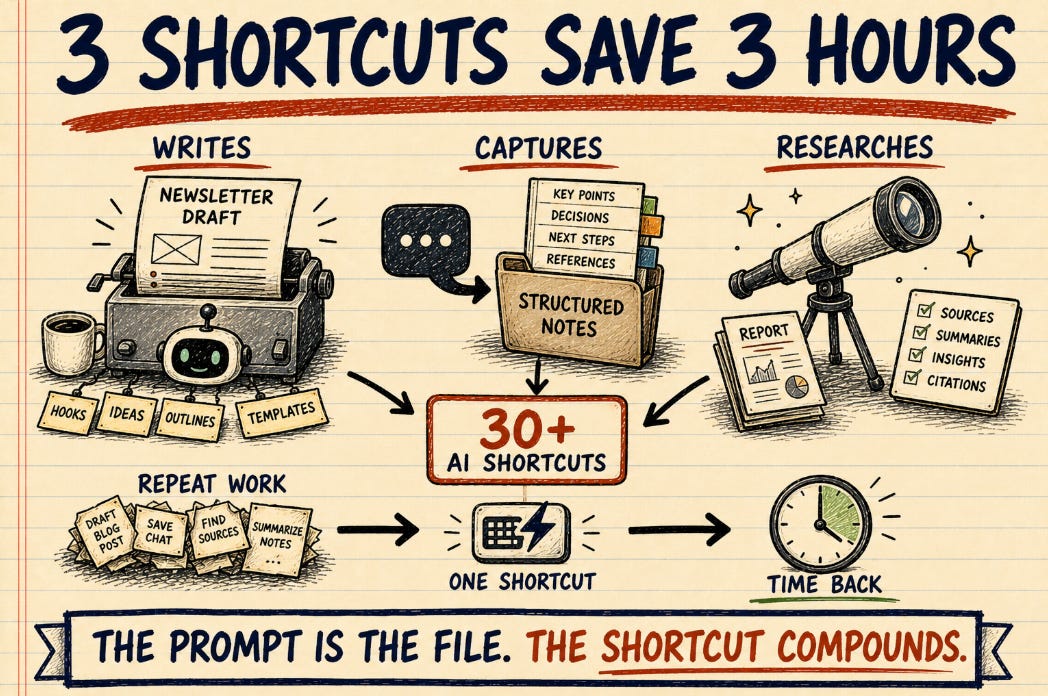
I built 30+ AI shortcuts for my own work over six months.
Three of them quietly took three hours off every workday.
This post is about those three, and what makes them load-bearing.
I have a folder of small text files. Each file teaches my AI assistant to do one specific thing for me. I type a short name, hit enter, and Claude runs the recipe in that file. Some of these recipes take ten seconds to run. Some take six minutes. All of them replace work I used to do by hand.
There are thirty-something of these recipes now. Some are tiny. Some are mega-commands that pull data from five places, talk to three APIs, generate an image, and write five drafts in a row.
I do not use all of them every day. Most of them I built for one specific moment and then they sit there until that moment comes back. The interesting set is the small group I run every day, sometimes three or four times a day. Those three are the ones I want to write about. The other twenty-seven are good. These three are why my Tuesdays used to take a full day and now take a couple of hours.
What I mean by “shortcut”
If you have used ChatGPT, you have typed a prompt. A shortcut is a prompt I already wrote down for myself. Instead of typing the whole prompt every time, I type a short name and the AI loads the prompt and runs it on whatever context the conversation already has.
I work in a tool called Claude Code. It is the place I write code and the place I write everything else, including this post. Inside that tool, my shortcuts are stored as small Markdown files. There is no app to install, no SaaS to pay for, no UI. The shortcut is the prompt, and the prompt is the file. (The same setup is what I described when I rebuilt Karpathy’s LLM Wiki, if you have not read that one yet.)
This matters because the shortcuts compound. Each one I build can call any of the others. A morning routine shortcut runs a research shortcut, which calls a vault-search shortcut, which calls a write-to-disk shortcut. The composition is the whole point.
1. The one that writes my newsletter
The newsletter you are reading right now was drafted by a shortcut I built last week.
When I type the name of it, the shortcut does this: it scans the last seven days of my private notes, the last seven days of Google search data on my website, the last seven days of analytics on which posts people read, the last fourteen days of any deep-research I ran in another tool, recent issues and merges on my public GitHub repository, and a few other places. It scores every possible topic against five rubrics, then surfaces the top five candidates to me. I pick one. It then runs a research pass on that topic, drafts the newsletter, drafts the X version, drafts the LinkedIn version, drafts the Medium version, generates a hero image, runs a voice check, and saves everything.
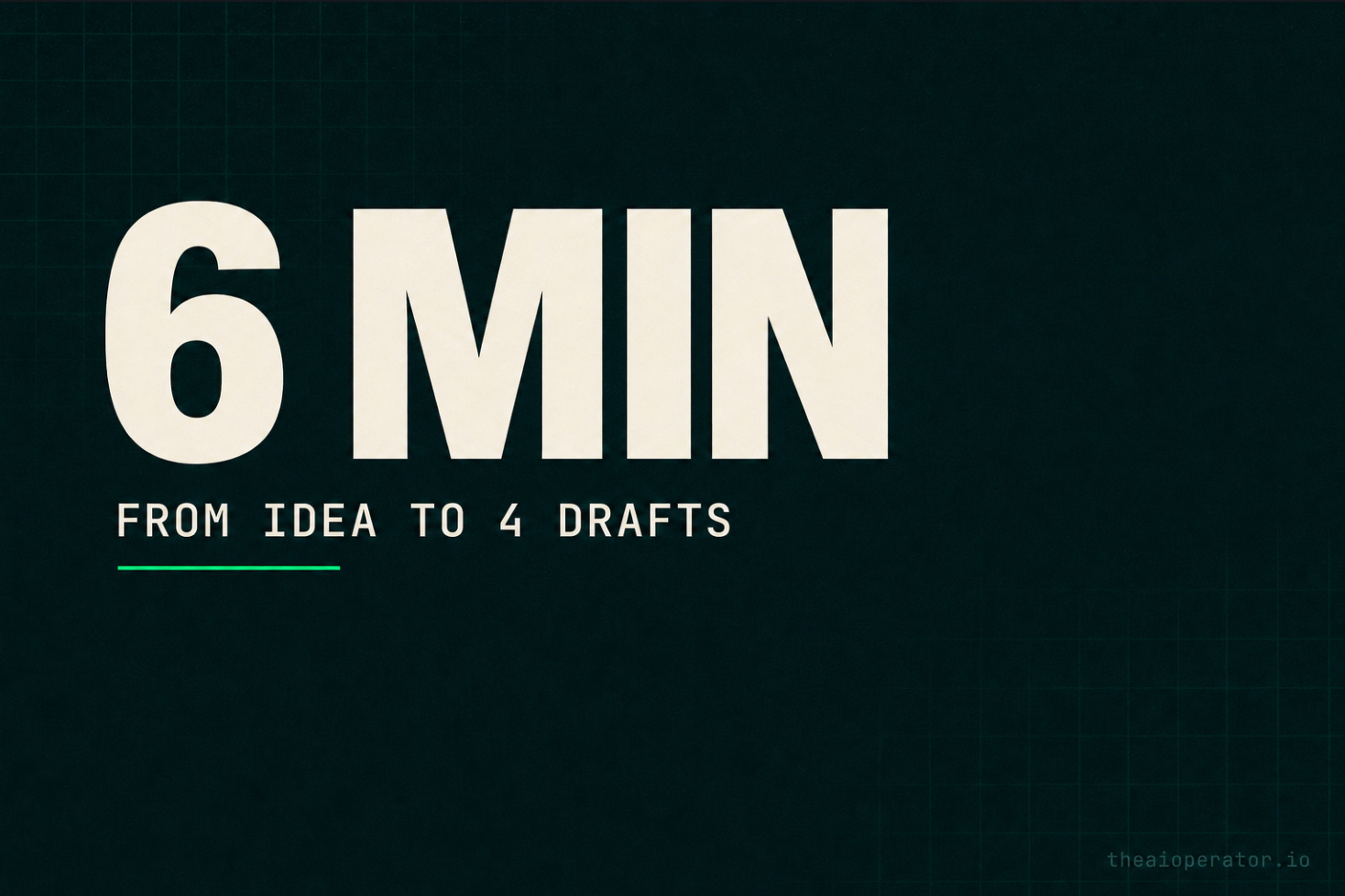
The first time I ran it, the full pipeline took six minutes and produced a draft I could ship after fifteen minutes of editing.
Before this shortcut existed, the same workflow took me four hours on a good day. On a bad day, it took two days, because deciding what to write about was its own meeting with myself. I would scroll, second-guess, draft three openings I deleted, lose the thread, and end up posting nothing.
The shortcut does not write better than I do. What it does is remove the part where I have to start, which is the only part of writing I actually struggle with.
Saved per use: about four hours. I run it once or twice a week. That alone is about an hour back per day if I average it out.
2. The one that turns my Claude chats into actual notes
I have a lot of conversations with Claude that produce real information. A decision, a project update, a meeting summary, a person I should remember, a debugging session that ended in a fix. Before I built this shortcut, all of that knowledge stayed inside the chat window. I would lose it the moment I closed the tab.
The shortcut reads the current conversation, figures out what is worth keeping, and writes the right kind of note to the right place in my second brain. A decision becomes a decision record with a date and a wikilink to the people involved. A project update becomes an append to the project’s note. A person I just talked to becomes a contact card, or updates the existing one. The whole thing takes about ten seconds and writes between one and six files.
I run this one between three and ten times a day. Every Claude session that produces something real ends with this shortcut.
The hidden value is not the ten seconds I save versus typing the notes by hand. It is that the notes actually get written. Before this existed, the answer to “did I write that down?” was almost always no. Now the answer is yes, and the writing is structured the same way every time, so future-me can find it.
Saved per day: about an hour, if you count the value of notes that would otherwise not exist at all. Hard to put a number on knowledge you would have lost, but a useful one to try.
Here I talk about the skill I built; Obsidian Second Brain (Starred by 1400 stars and used by more than 10k starngers now)

3. The one that does my research
Whenever I need to understand something I do not already understand, I run a shortcut that does deep research for me. It uses Perplexity in the background, runs multiple passes, gathers citations, and writes a structured report to disk. Topics range from “is this stack the right choice for my new SaaS” to “what is the current state of this regulatory thing in Spain” to “what did this person just say on a podcast and is it on-topic for what I am building.”
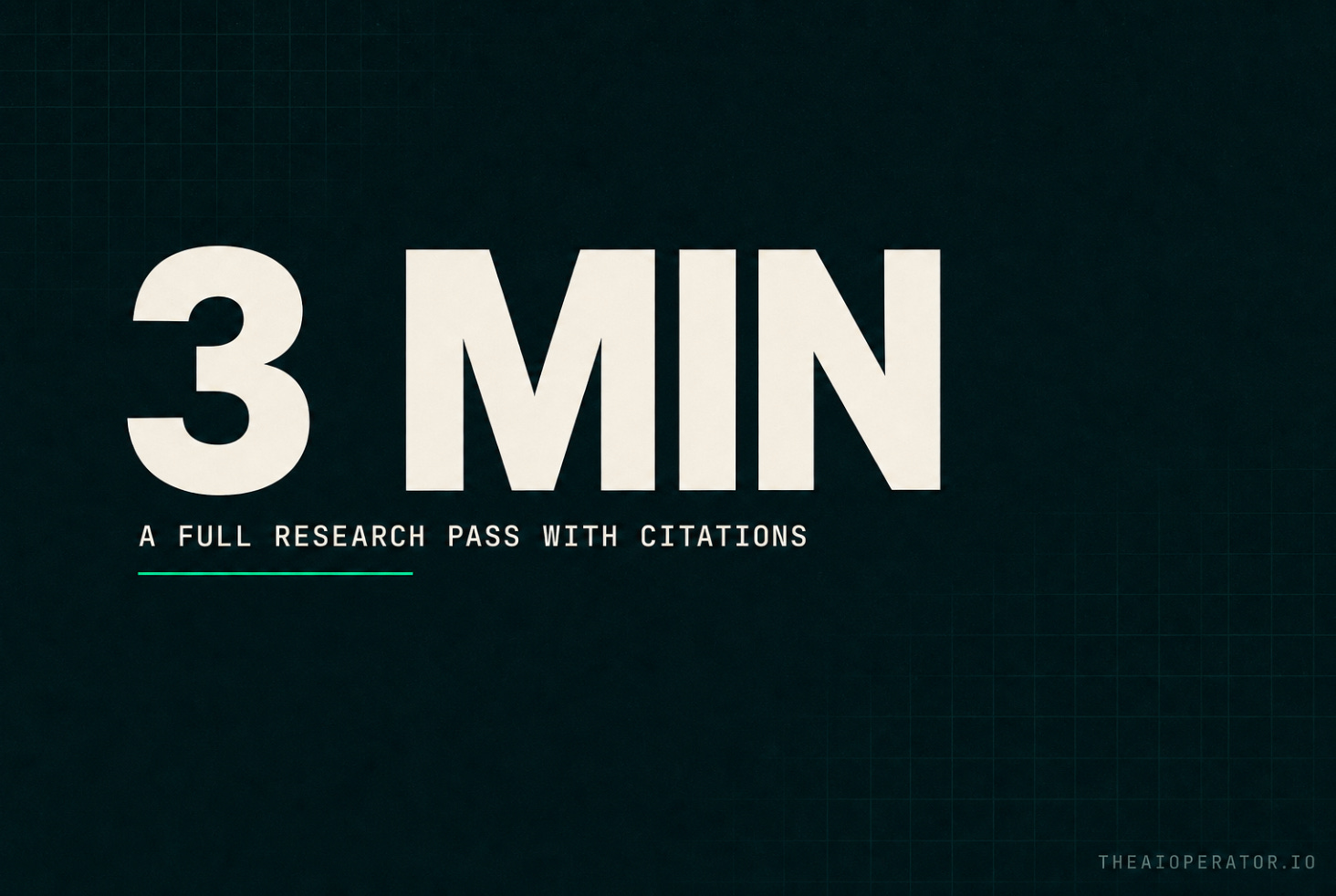
A real research task that used to take me two to three hours of tabs, scrolling, and forgetting to bookmark now takes the shortcut about three minutes and produces a citation-grounded document I can either trust or push back on.
I do not use this every day. I use it three to five times a week. But each use saves enough time that on a research-heavy day, the shortcut is the difference between shipping something and not.
Saved per use: ninety minutes to two hours. Distributed across the week, this is conservatively an hour a day.
The pattern under the three
These three look unrelated. One writes a newsletter. One files notes. One does research.
They share one shape. Each one takes a thing that used to live inside my head and gives it to the machine, in a form the machine can repeat. The hard part was not the prompt. The hard part was deciding what to extract, which fields to require, which file format to write to, and what to do when the input is messy.
The actual lesson is not “build more shortcuts.” The lesson is that the bottleneck of working with AI is not the AI. The bottleneck is the lack of a clear, repeatable way to ask the AI for the thing you want, every single time, without thinking about it. Once you have that, the AI is fast, and you become fast.
Three hours a day, on a knowledge worker’s calendar, is the difference between treading water and shipping a side project.
What I am not saying
I am not saying everybody should learn to write these. Most people will not, and most people do not need to. What I am saying is that the shape of the win is reproducible. The same logic works in any tool that has prompts, including the AI tools your company is probably paying for and not using well.
If you want to see the actual shortcuts, they are at github.com/eugeniughelbur/obsidian-second-brain, MIT licensed, currently at 1,358 stars. (Earlier this month I wrote about what surprised me when 1,374 strangers cloned the repo. That post is the back-story to this one.) The shortcuts I described above are in that repo, or in a sibling project I am still building in the open.
The full set is thirty-something. Three save me three hours a day. The other twenty-seven save me thirty-second moments. The thirty-second moments add up too.